Open an employee record
Overview
Using the Employee List view
1. Click "Employees"

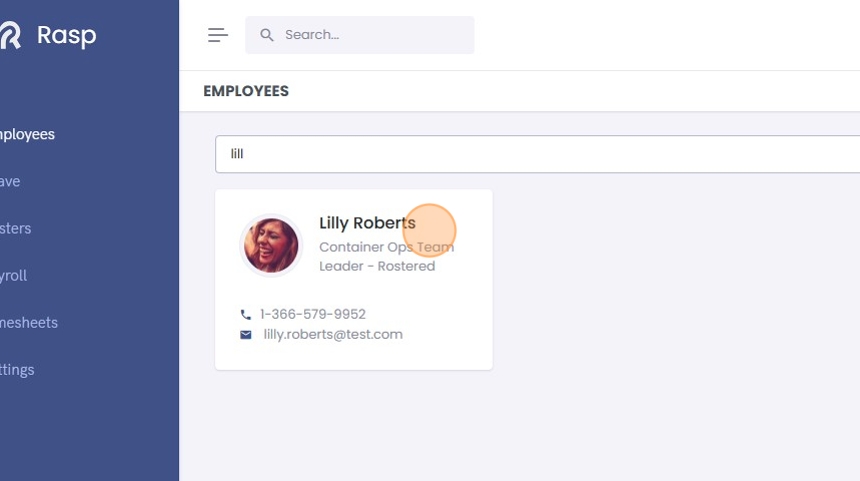
2. Type the name of the employee you want to view the settings for into the "Filter by employee name" field.
3. Select the employee from the results.
Using the Global Search
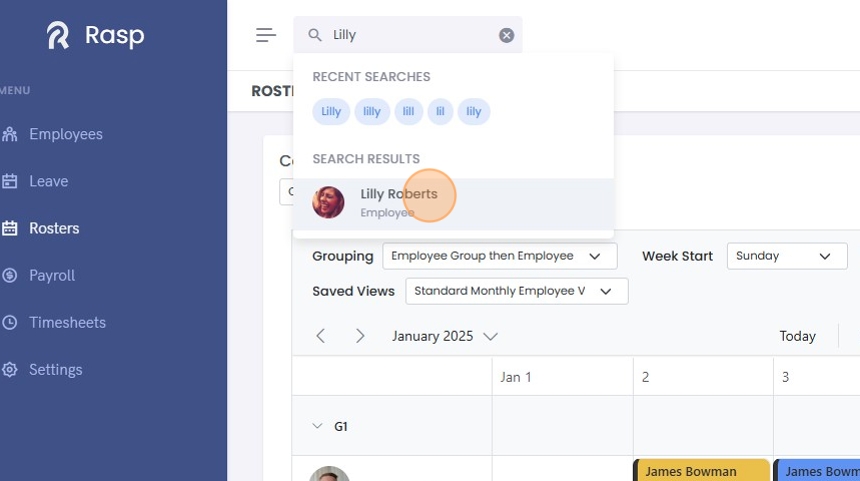
1. Click the "Search..." field.

2. Type the name of the employee who's record you wish to open.
3. Click on the Employee's name in the search results.
4. The employee record opens.
