Agreements
Overview
This section provides guidance on managing positions within the Rasp system. It covers how to add, edit, and delete positions, ensuring that your organisation's structure is accurately reflected and maintained in the system. Positions can be assigned to employees and used to create position specific pay rules.
How to add a new agreement
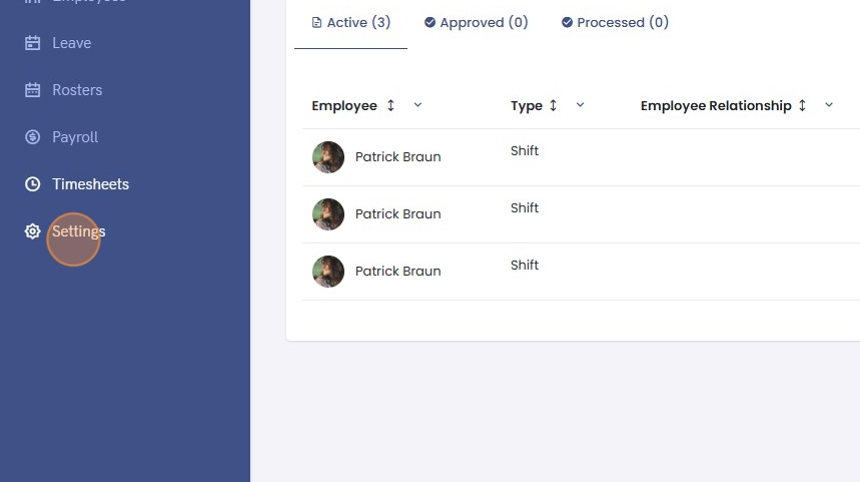
1. Click "Settings"
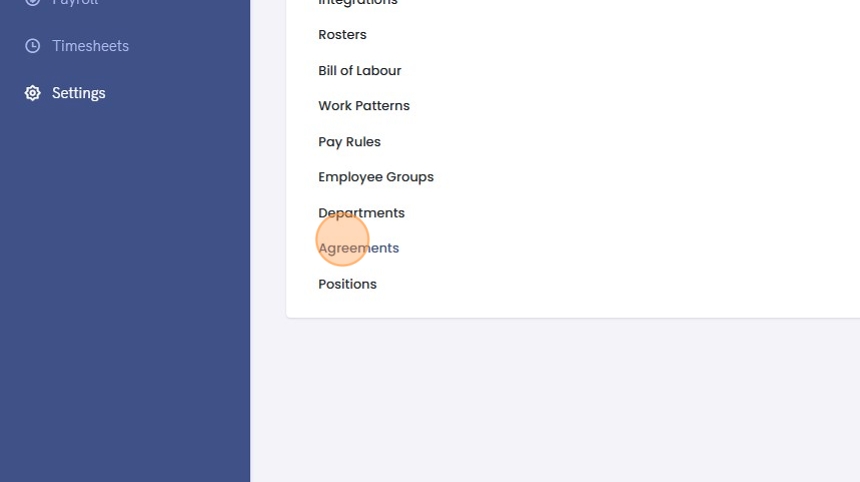
2. Click "Agreements"
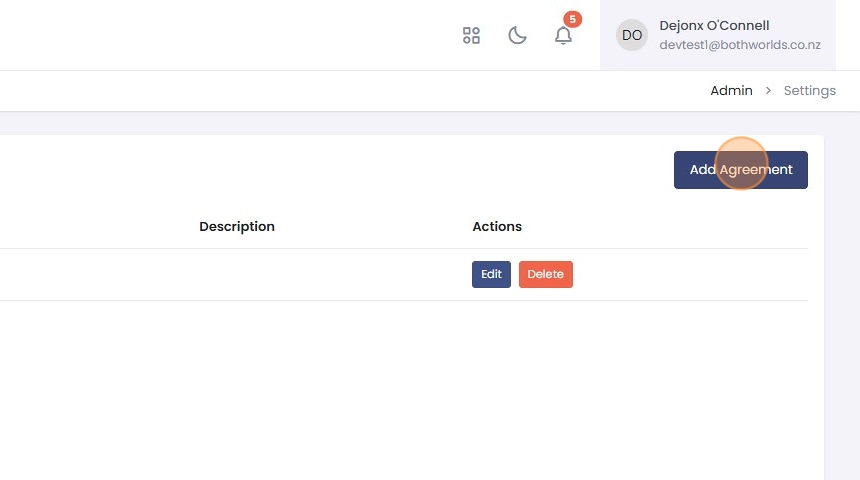
3. Click "Add Agreement"
4. Enter the "Name" and if desired a "Description".
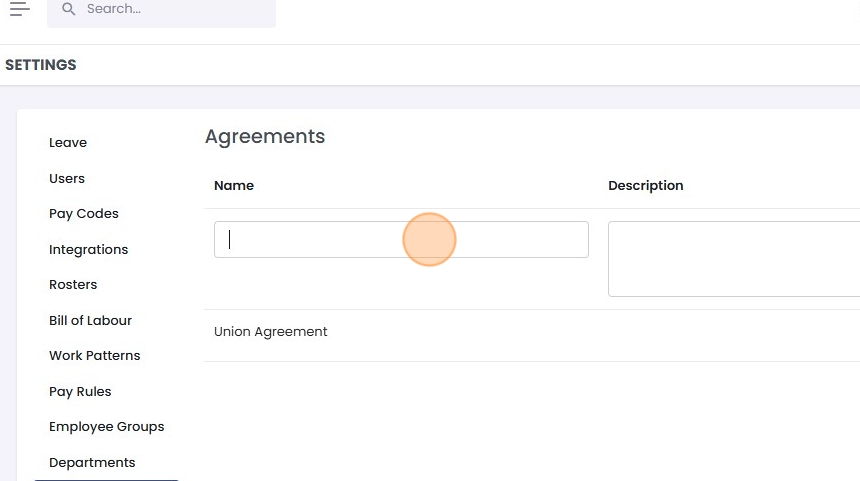
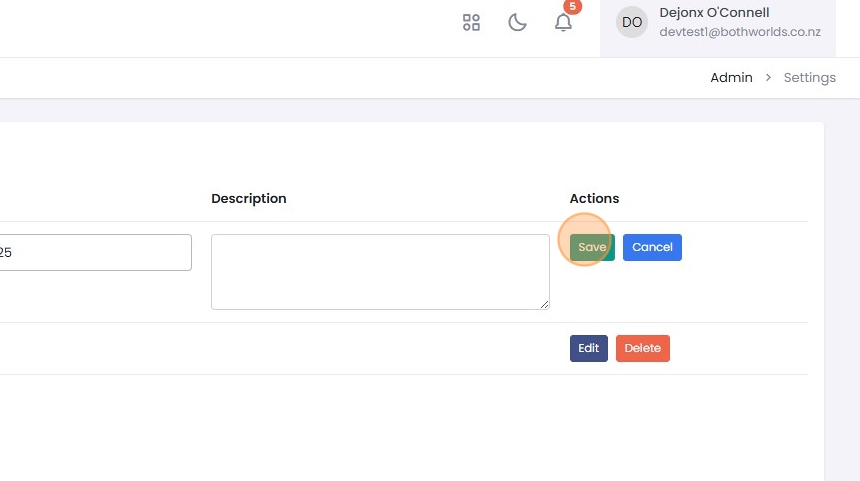
5. Click "Save"
How to edit an agreement
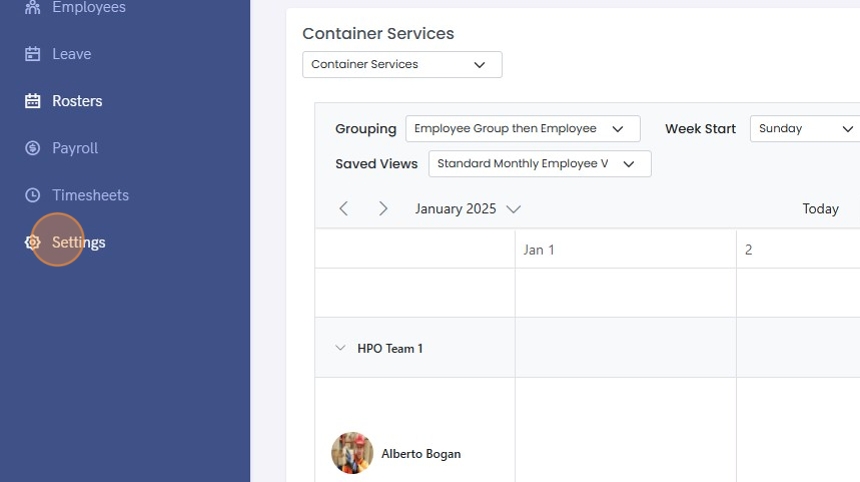
1. Click "Settings"
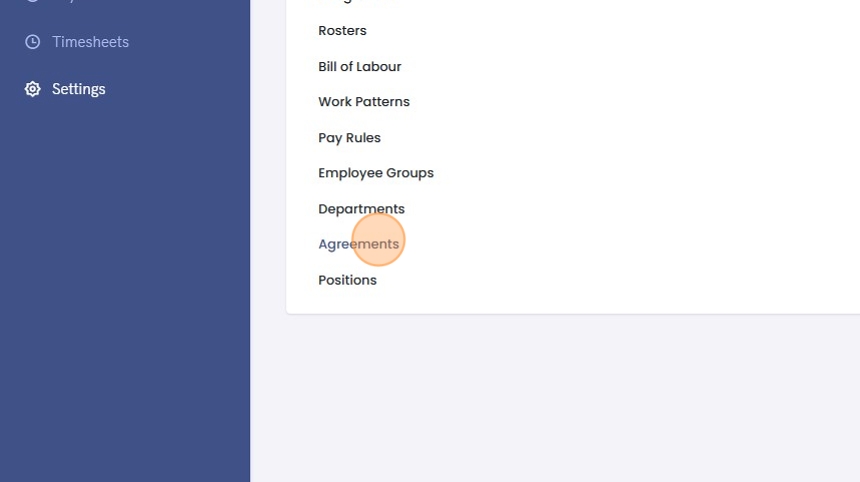
2. Click "Agreements"
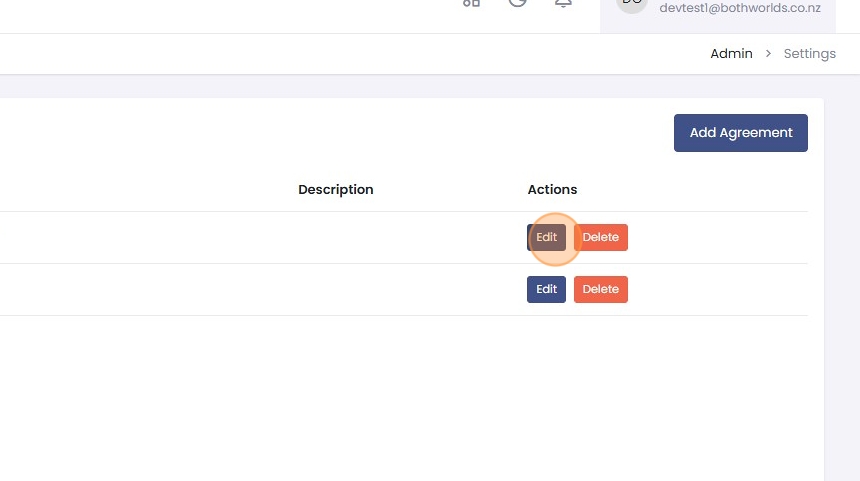
3. Click "Edit"
4. Make the necessary changes and click "Save"

How to delete an agreement
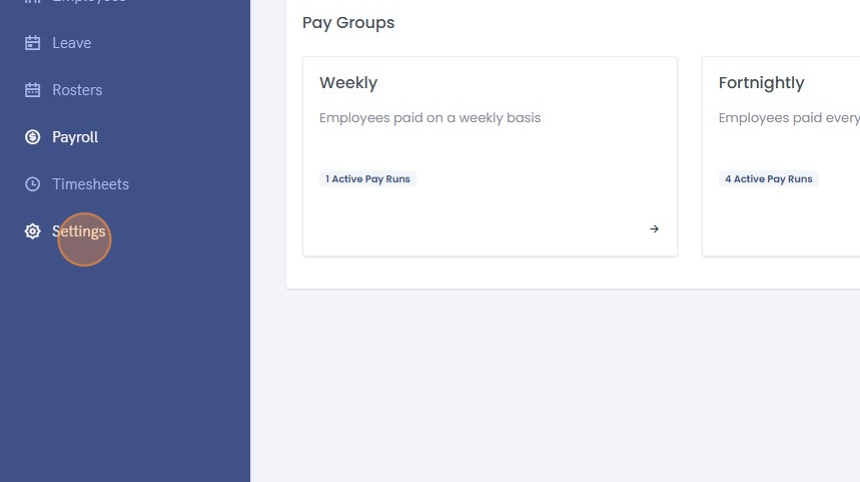
1. Click "Settings"
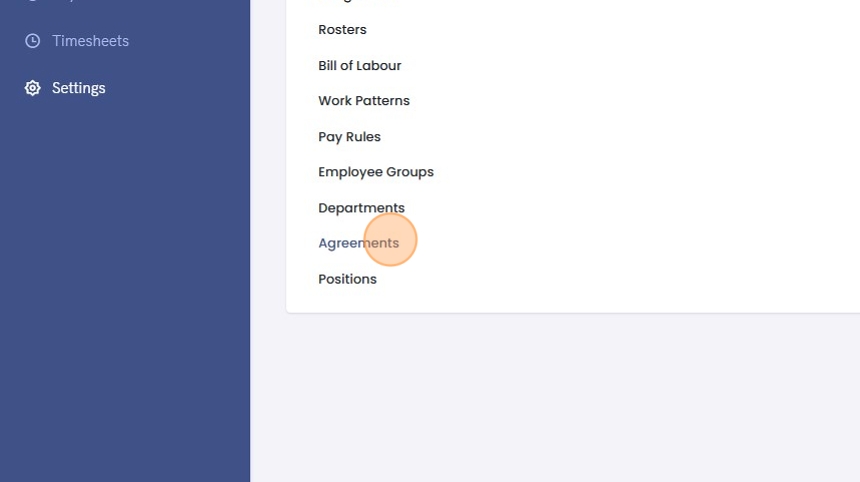
2. Click "Agreements"
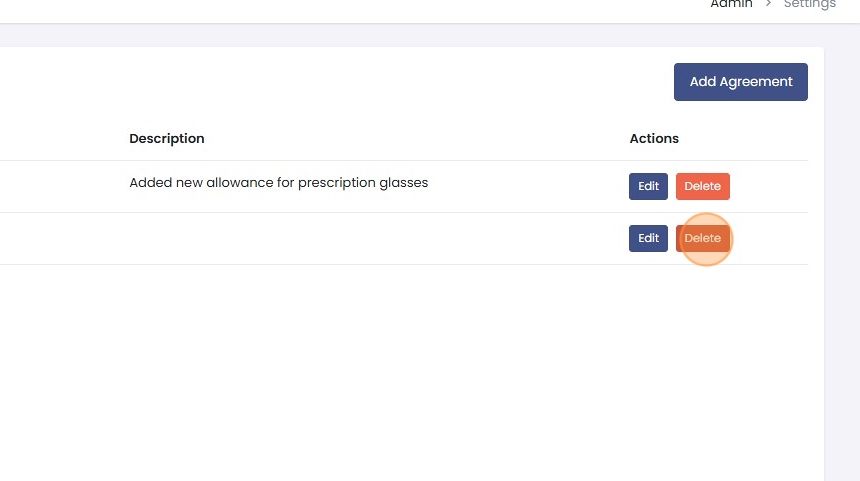
3. Click "Delete"
4. Click "OK" on the confirmation that displays