Departments
Overview
The departments managed here can be assigned to employees and referenced in Business Rules.
How to view the Departments list
1. Log in and navigate to the Admin App

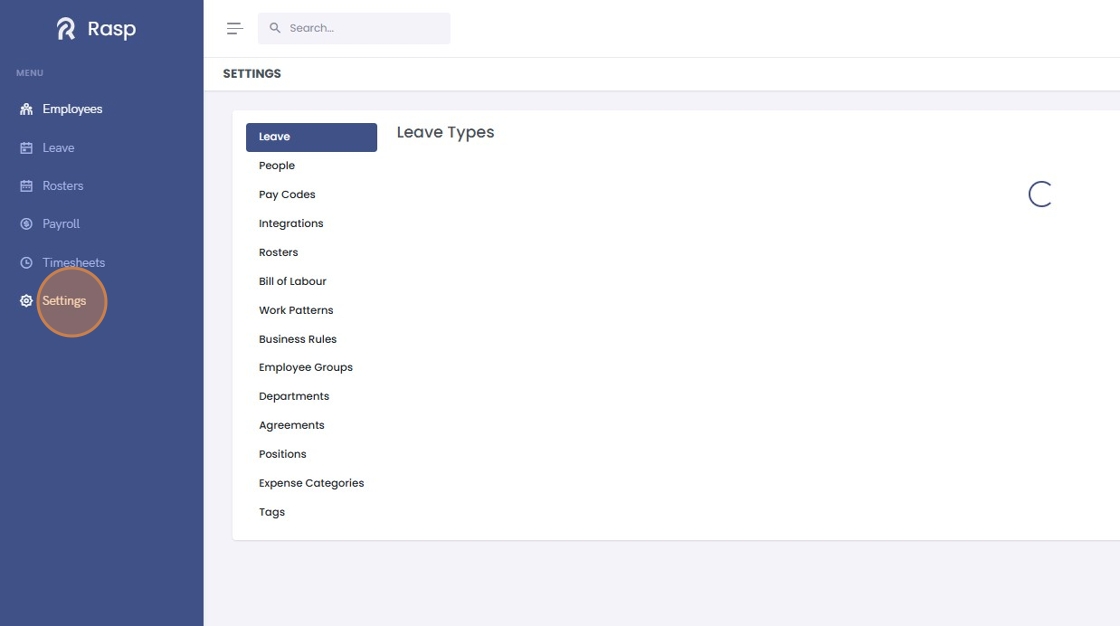
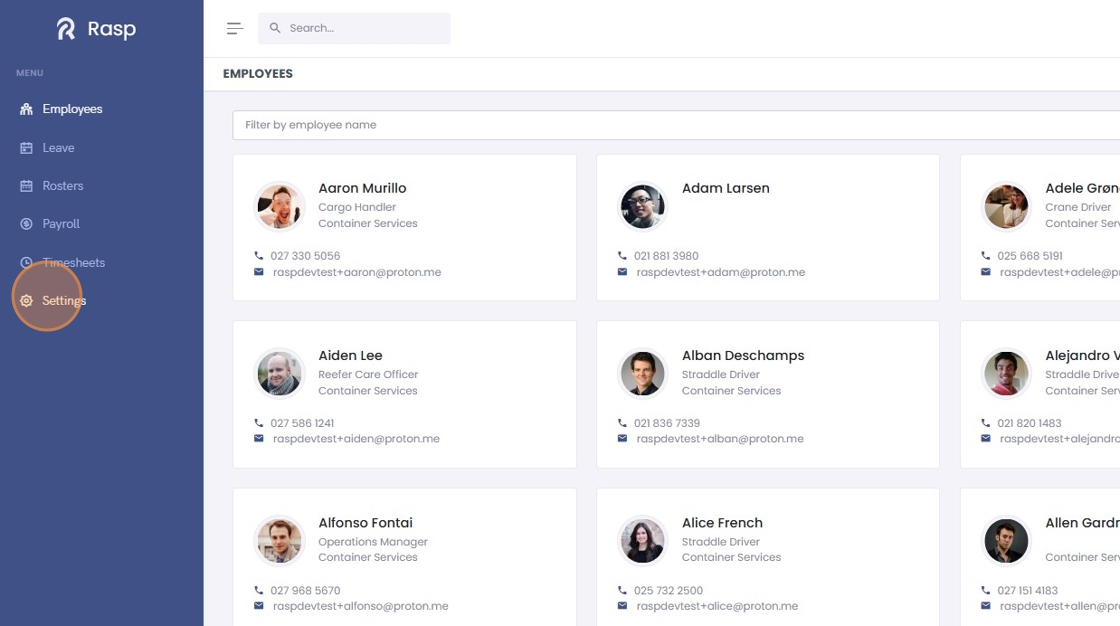
2. Click "Settings"
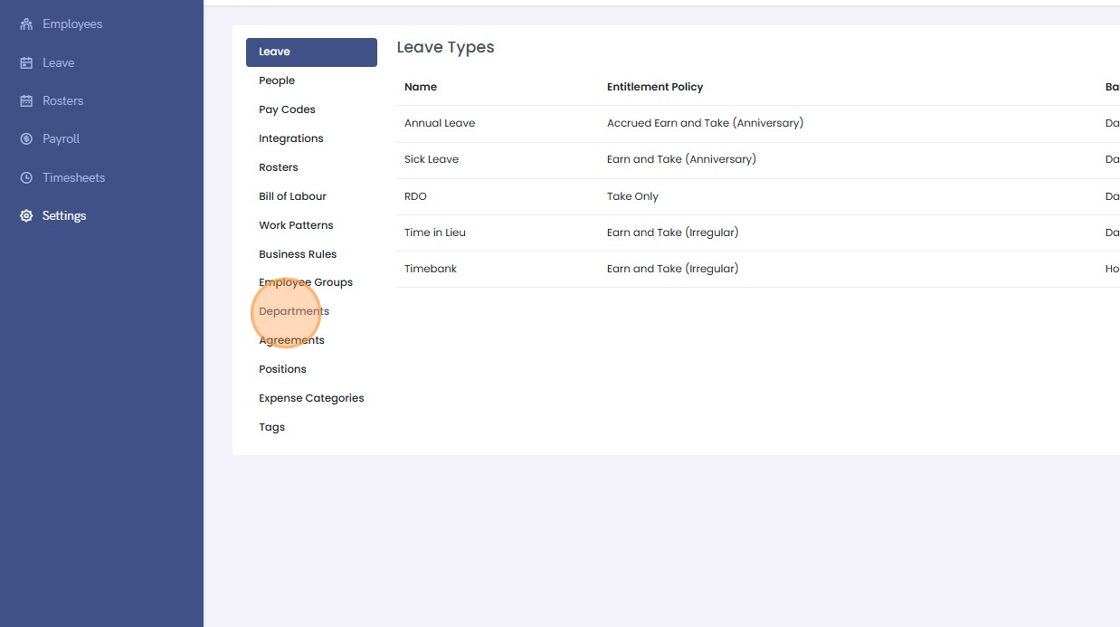
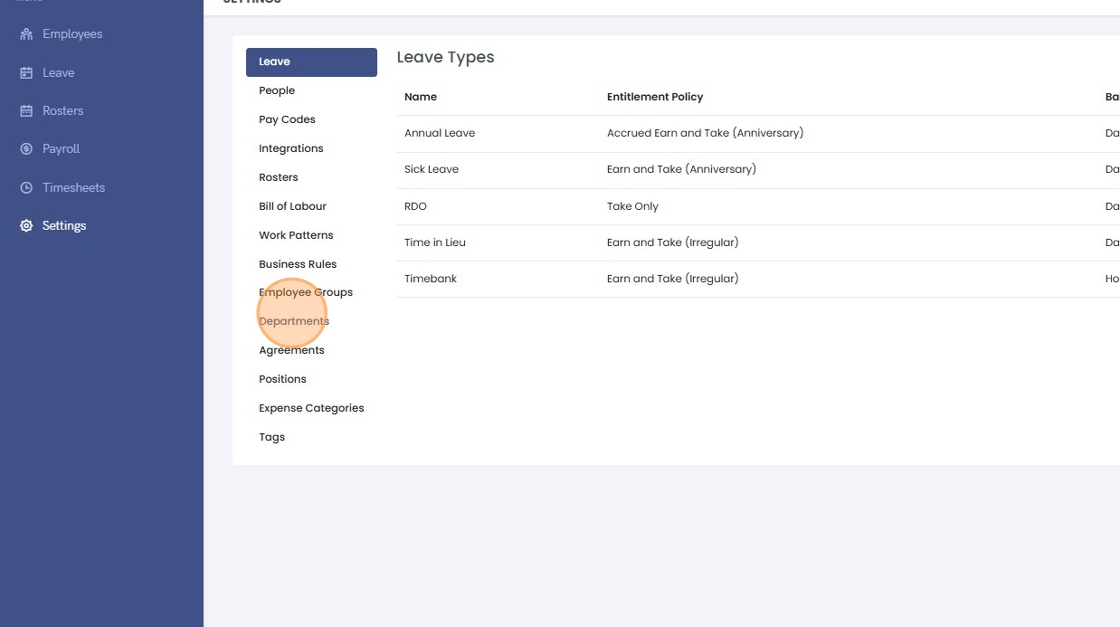
3. Click "Departments"
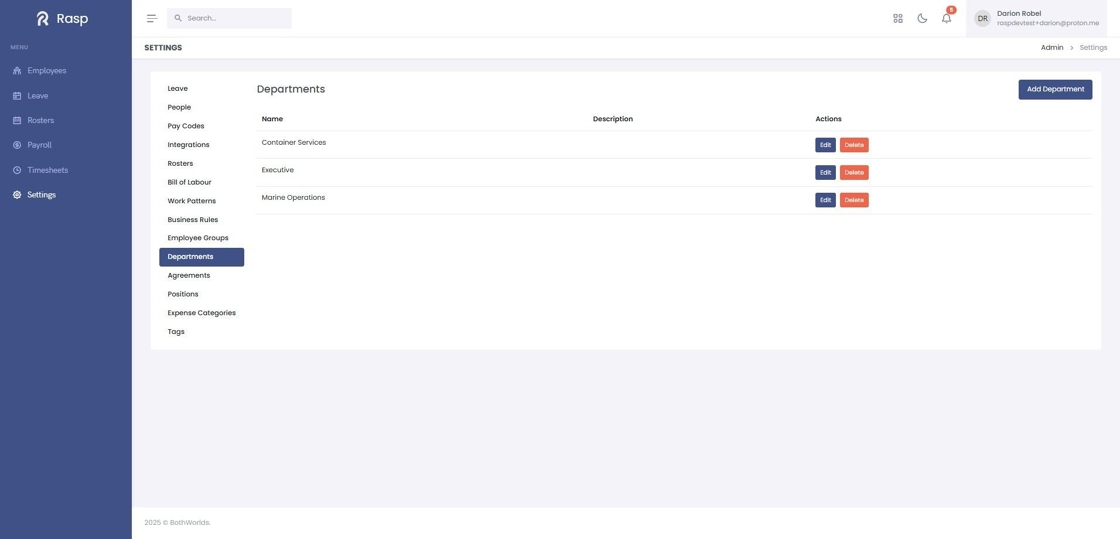
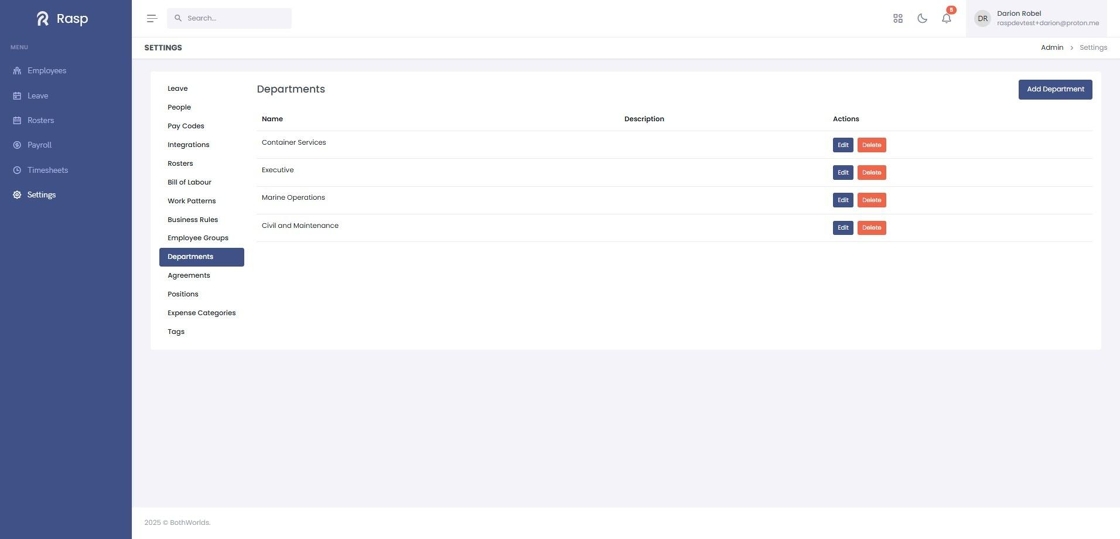
4. The list of Departments is displayed
How to add a new Department
1. Log in and navigate to the Admin App
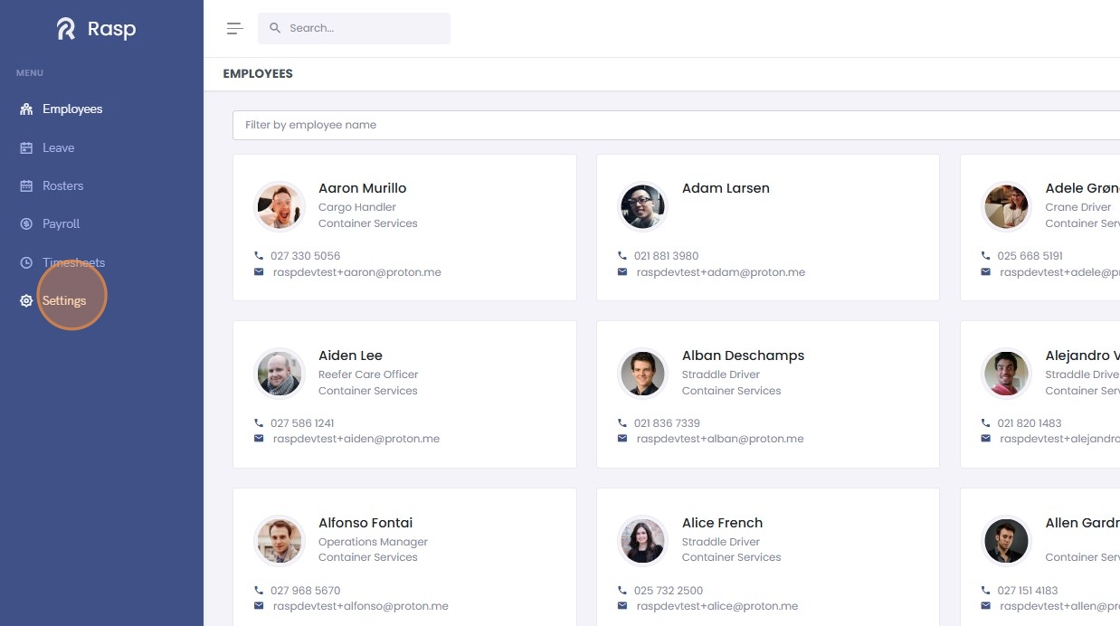
2. Click "Settings"
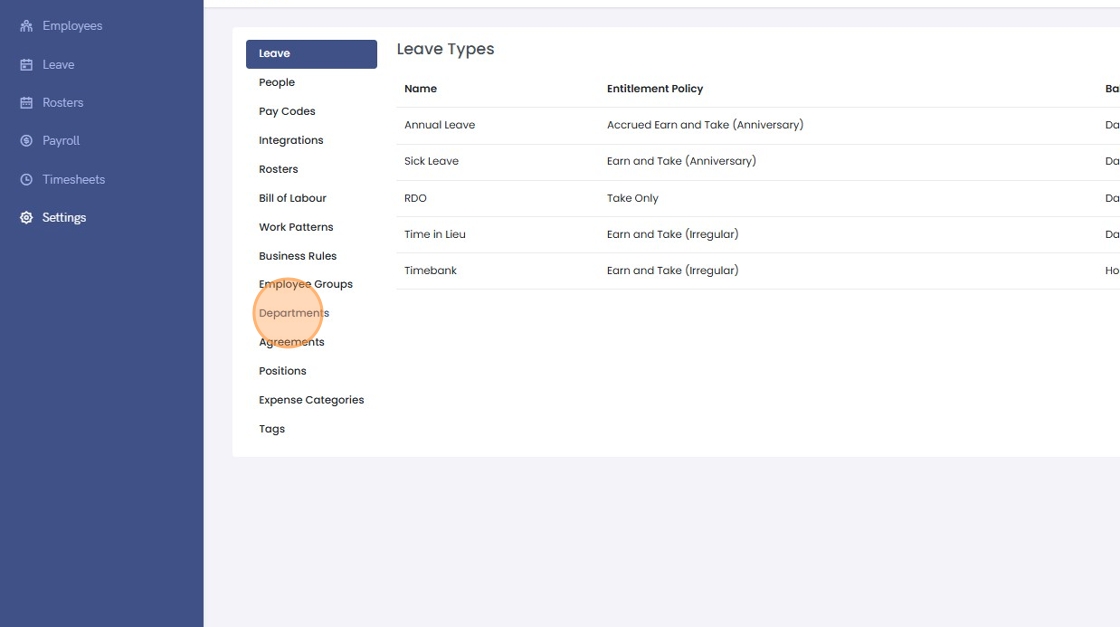
3. Click "Departments"
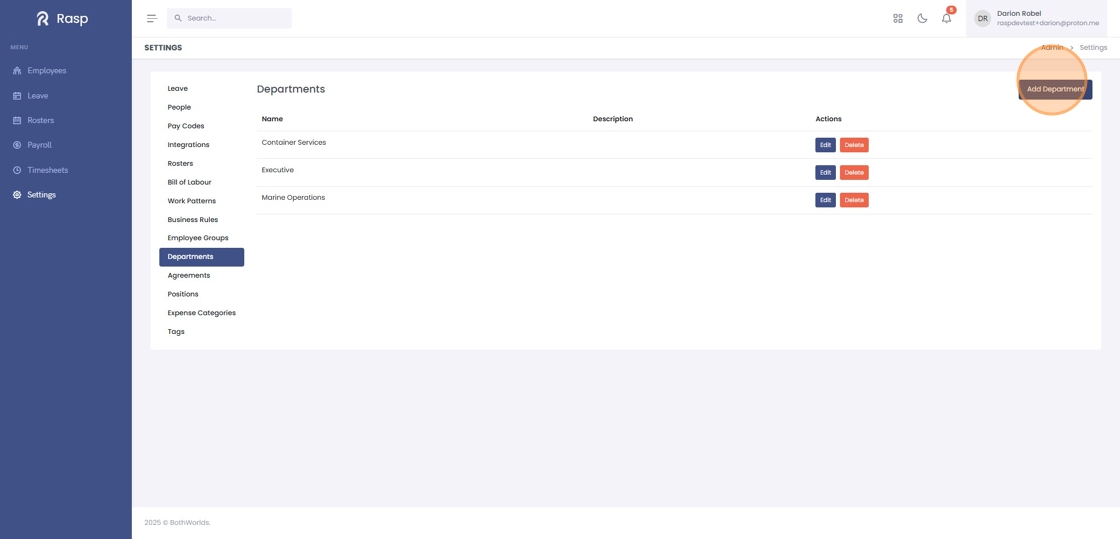
4. Click "Add Department"
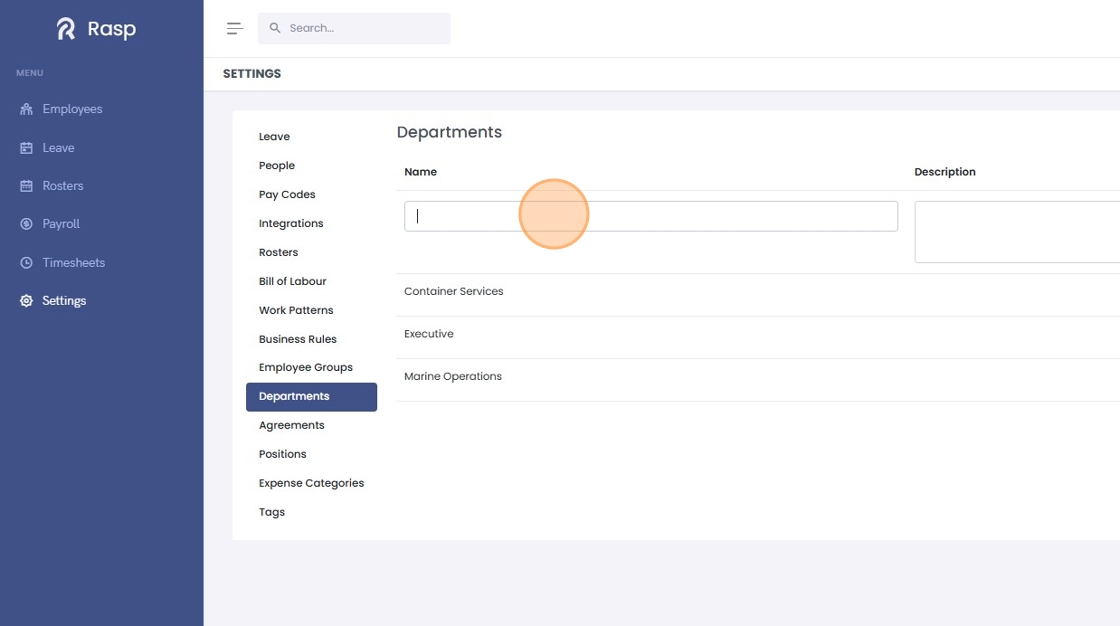
5. Name the department and enter a description if desired
6. Click "Save"
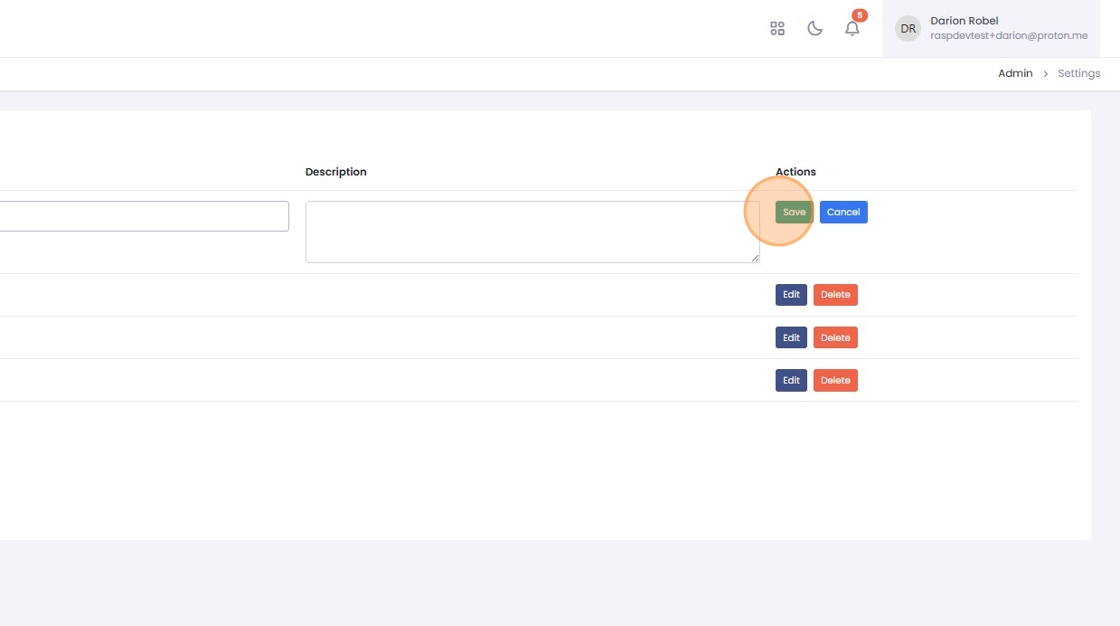
7. The department has been created
How to edit a Department
1. Log in and navigate to the Admin App
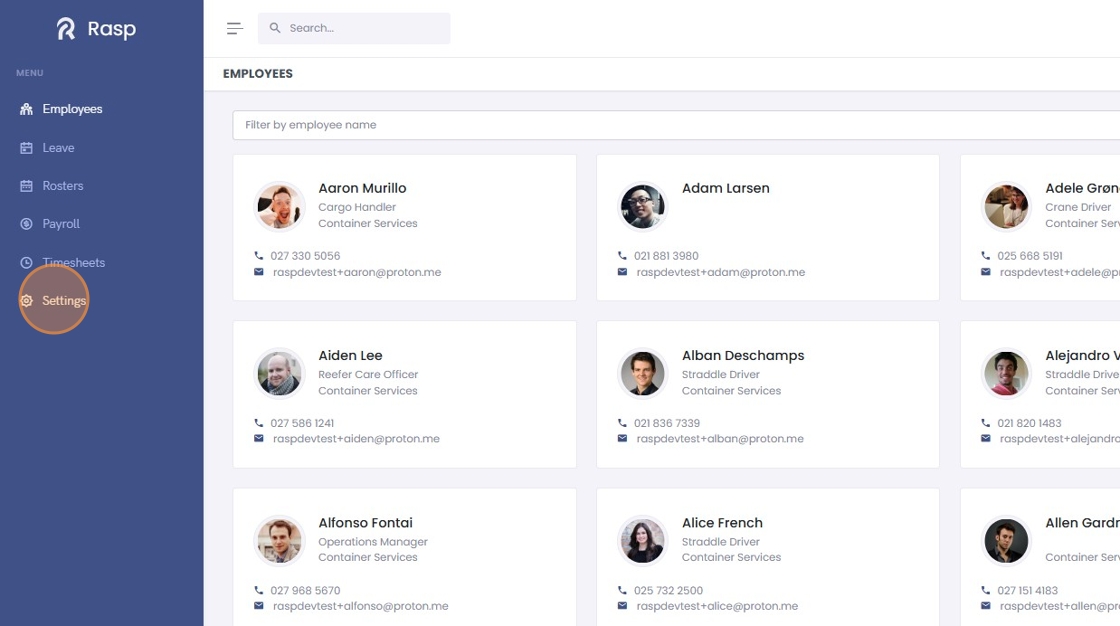
2. Click "Settings"
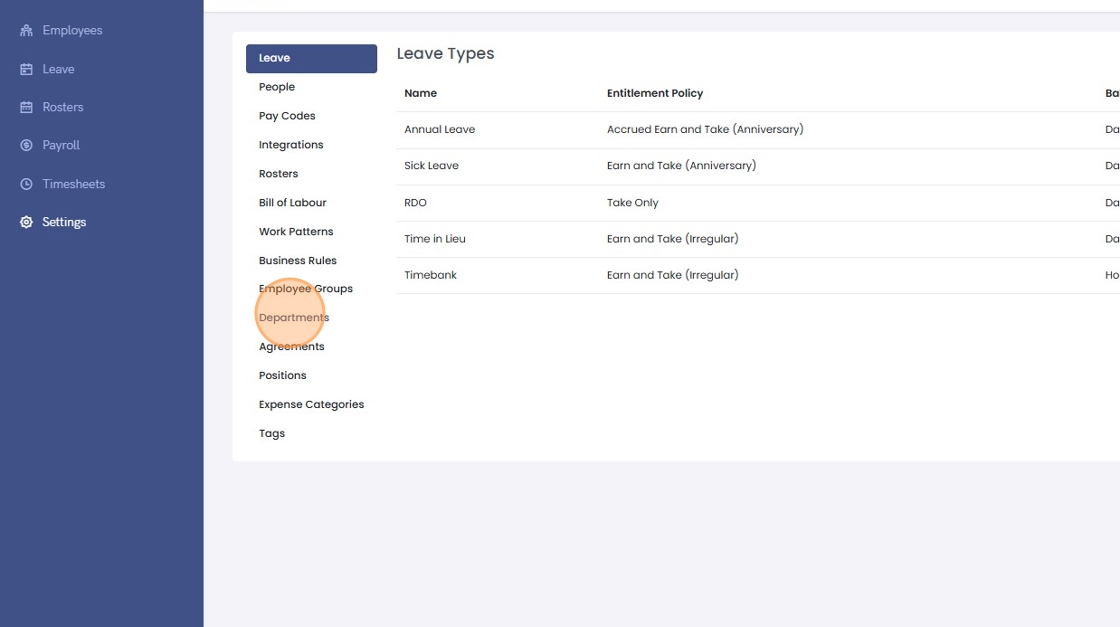
3. Click "Departments"
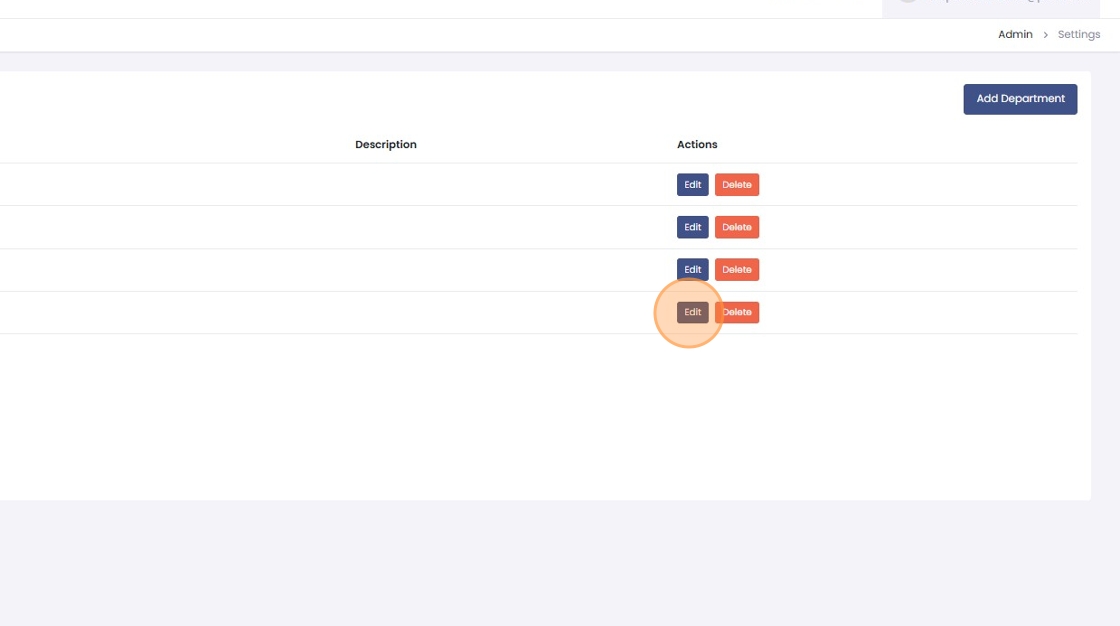
4. Click "Edit"
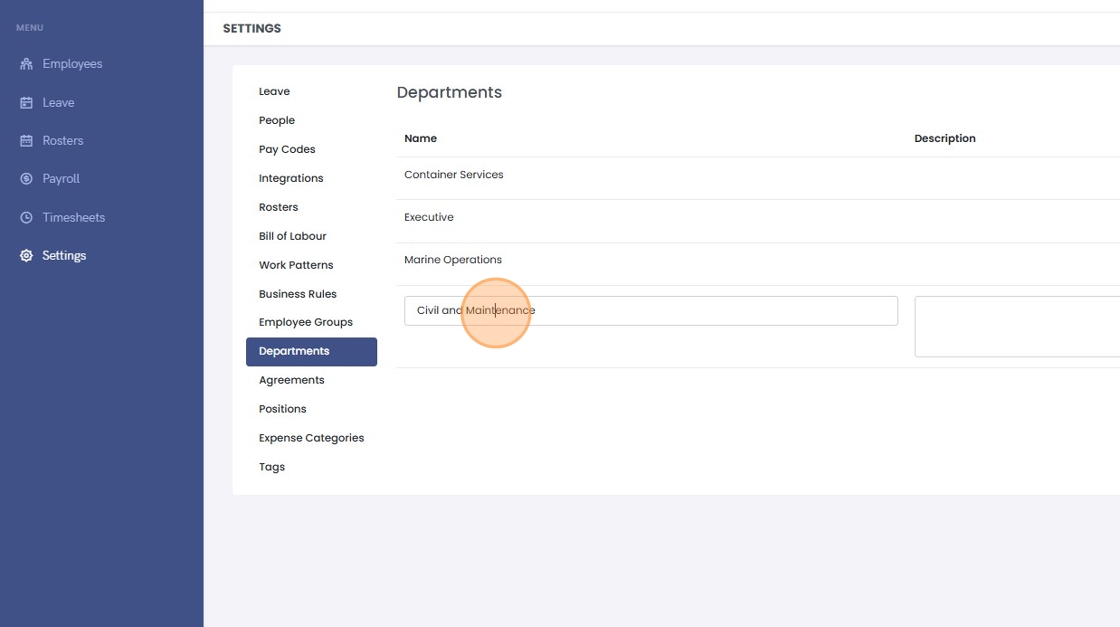
5. Edit the name and description as required
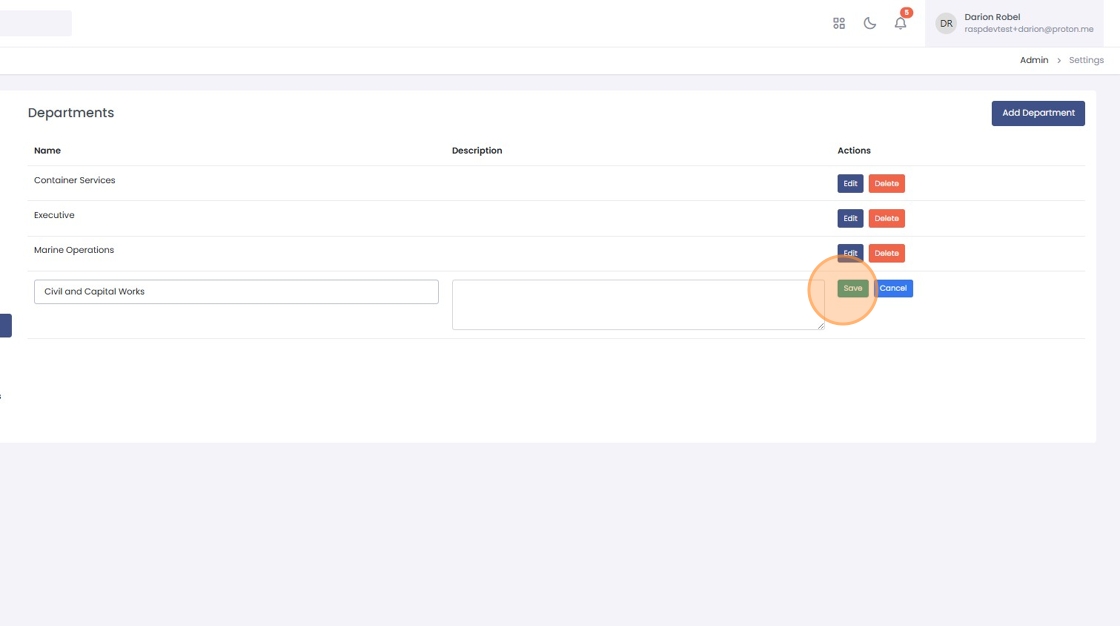
6. Click "Save"
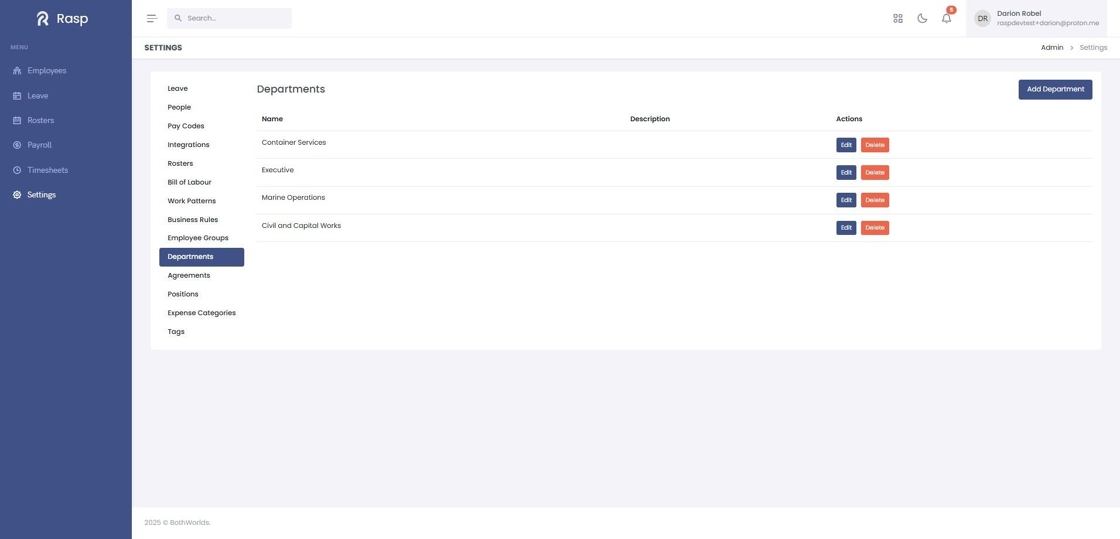
7. The department has been edited
How to delete a department
2. Click "Settings"
3. Click "Departments"
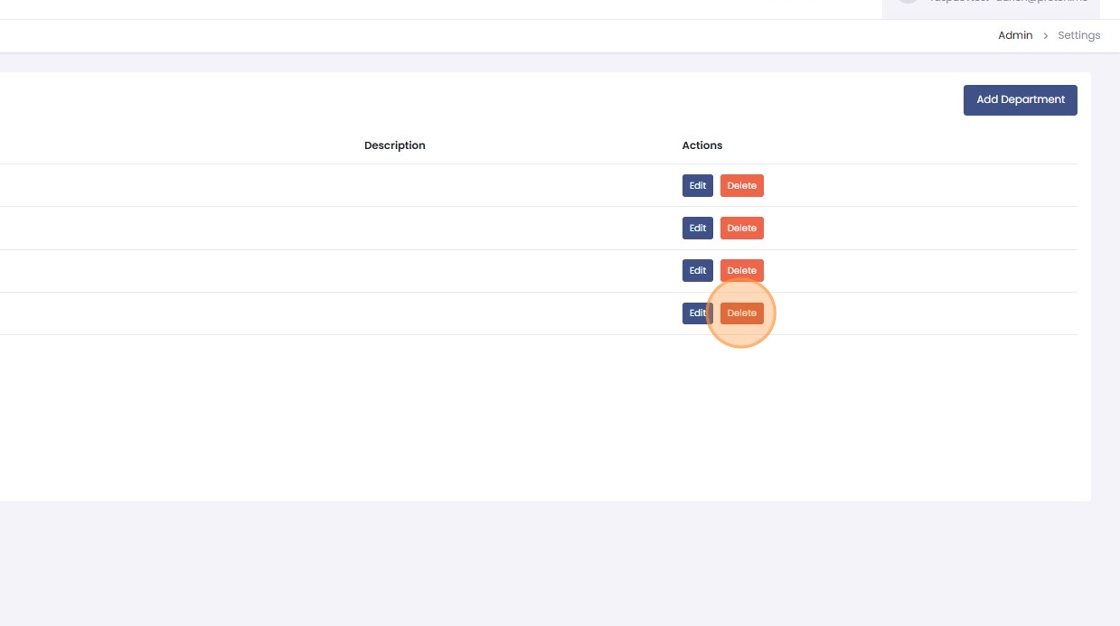
4. Click "Delete"